
Trojan Scanner Free gives you useful checks without a subscription. Pro adds tools for potential spying risks, unfamiliar links and a more regular checking routine. Choose the edition that fits how you use your phone; your free scanning tools remain available when Pro ends.
What you get with each edition
| Feature | Free | Pro |
|---|---|---|
| Manual device scan | ✓ | ✓ |
| Selected files and archives | ✓ | ✓ |
| New and updated app checks | ✓ | ✓ |
| Optional cloud checks* | ✓* | ✓* |
| Anti Spy | — | ✓ |
| Shared or pasted link checks | — | ✓ |
| Scheduled app scans | — | ✓ |
| Automatic database updates | — | ✓ |
| History and What changed | ✓ | ✓ |
✓ Included. Local checks do not require an account. * The optional free cloud checks require sign-in, internet access and your consent. File checks depend on available access; private storage inside other apps is not accessible.
Three reasons to choose Pro
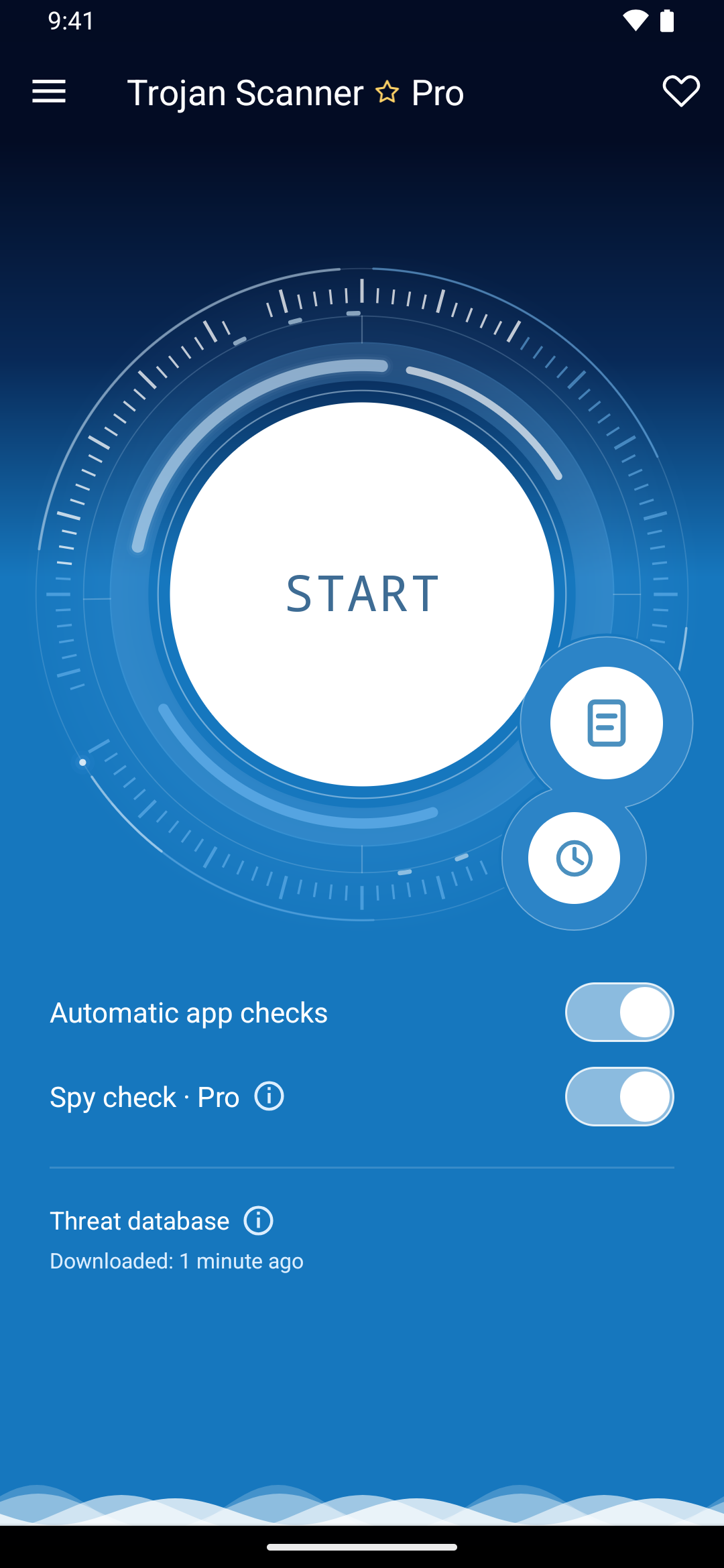
- Look for potential spying risks. Anti Spy helps you review hidden apps with sensitive access and potentially risky capabilities in APKs. Enable Surveillance check in Pro settings to include this analysis.
- Check before opening an unfamiliar link. Share a delivery message, an unexpected offer or a sign-in link with Scanner. Pro checks its domains for known phishing, scam and malware infrastructure before you decide what to do.
- Spend less time remembering routine checks. Schedule installed-app checks every 24 hours or every 7 days, and arrange checks after database updates. Pro can also download threat-database updates automatically. Android may delay background work.
Which edition should I choose?
Choose Free if you prefer to start checks yourself and want automatic checks when apps are installed or updated. Choose Pro if you want Anti Spy, a convenient way to review suspicious links, and recurring scans and database updates.
Both editions show findings for you to review. A permission or surveillance warning is a potential risk, not proof of malware or spying. A completed result with no detections is not a guarantee of safety.
Get Pro
Open Menu → Unlock Pro to see the current annual one-device plan. The app and Google Play show the price and renewal terms for your account. Read how to activate and manage Pro before purchasing.