
An unexpected delivery message, a tempting offer or a request to sign in deserves a closer look. Trojan Scanner Pro lets you share or paste a link before opening it, then checks the domains against Gridinsoft’s cloud information. Use the result to help decide whether to continue, especially before entering a password or payment details.
Share or paste the link
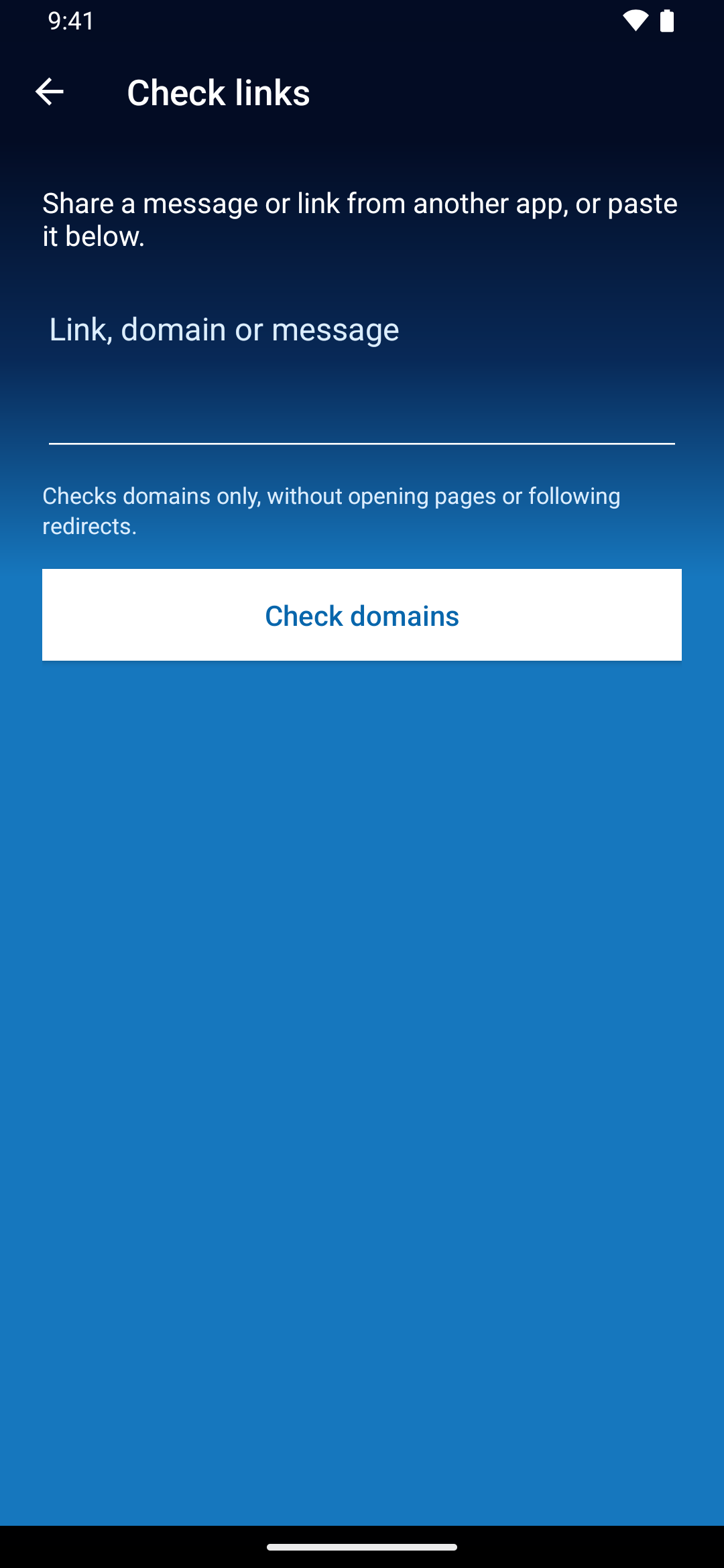
- In the app containing the message or link, use Share and choose Trojan Scanner. Alternatively, open Menu → Check a link and paste the link, domain or message.
- Tap Check domains.
- Review the domains shown in the consent prompt. Only those domains are sent for analysis; message text, URL paths and parameters stay on your device.
- Confirm the check and wait for each domain’s result. An internet connection and active Pro access are required.
You do not need to open the destination page to run this check. You can also open the link checker from Pro settings.
Read each domain result
- Phishing, scam or malware: the domain has a risk classification. Avoid opening the link or entering personal details while you investigate.
- Suspicious: review the source and purpose of the message carefully.
- No database match: safety is unknown. A new or unclassified domain can still be dangerous.
- Listed in the allowlist: this is not a guarantee that every page or link on the domain is safe.
- Not checked: access, connection or service availability prevented a verdict. Retry later; do not treat an unavailable check as clean.
Know what the check covers
Scanner checks domains only. It does not open web pages, inspect their content or follow redirects. A shortened link can lead to another destination that this check has not inspected. Up to 20 domains can be analyzed; a partial result does not cover everything in a long message.
Even with no warning, check that a request makes sense and that the address belongs to the organization you expect. For an unexpected payment or account request, open the organization’s known official app or website independently.
Link checking and app analysis are different
This shared/pasted link checker is included in Pro. Cloud checks of domains found inside apps are also available free with a Gridinsoft account and consent. They review domains embedded in APKs; they do not show which sites an app actually contacted.
See the Free and Pro comparison or activate Pro to choose the features you need.