
67 Cleaner runs on Intel and Apple silicon Macs with macOS Ventura 13 or later. To check your version, choose Apple menu → About This Mac.
Install 67 Cleaner
- Open the official 67 Cleaner website and select Download for Mac.
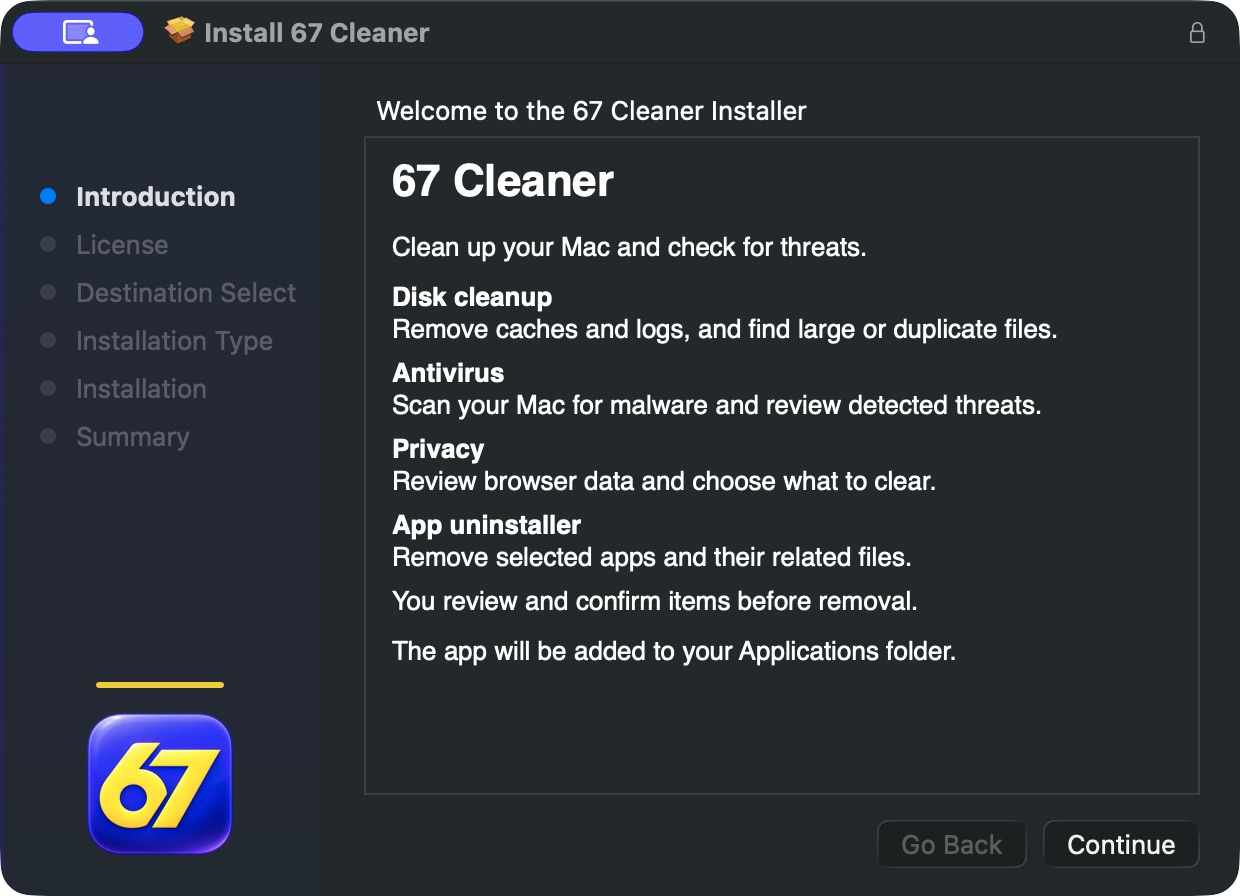
- Open the downloaded disk image in Finder, then open the installer package inside it.
- Follow the macOS Installer prompts. If you are replacing an older copy, quit 67 Cleaner before running the installer. On a managed Mac, ask your administrator if you need installation permission.
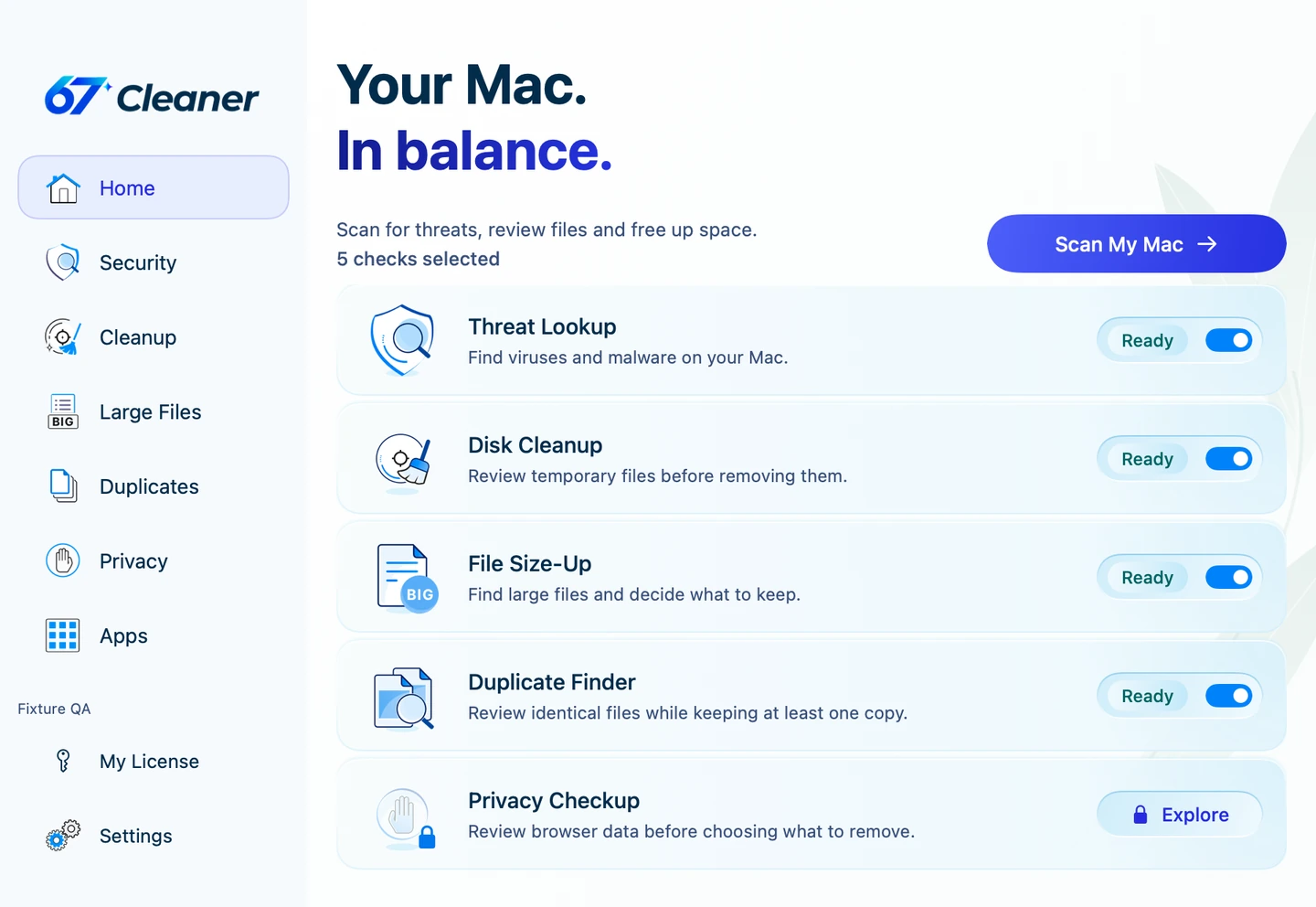
- Open 67 Cleaner from Applications. Keep your Mac online so the app can check for current threat definitions.
If macOS blocks the package or shows a security warning, stop and copy the exact message. Contact support with the macOS version and download address.
Once the app opens, run a Quick Scan or check what is included in Free, Trial and Premium.