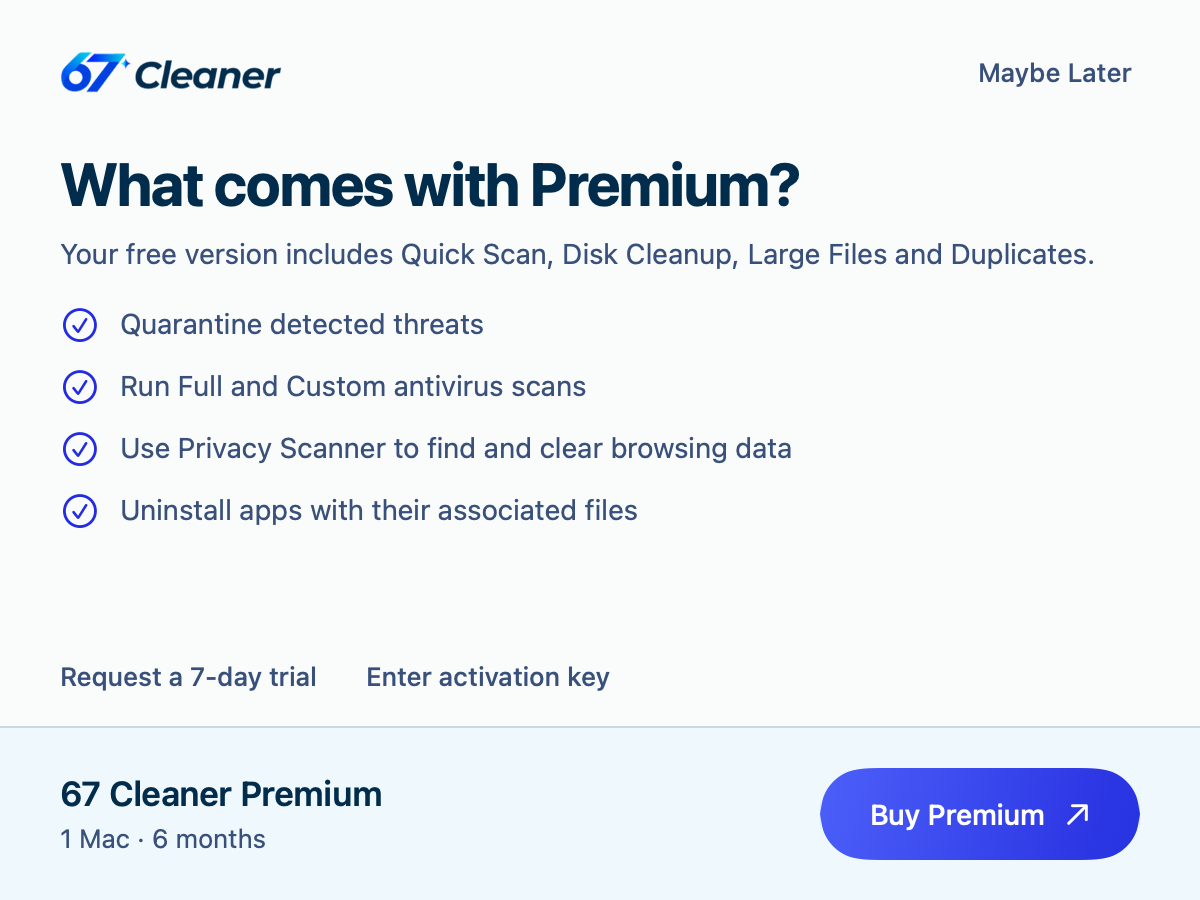
- Free. Run Quick Scan, clear disk clutter, find large files and review duplicates. You can also inspect supported browser data and installed apps.
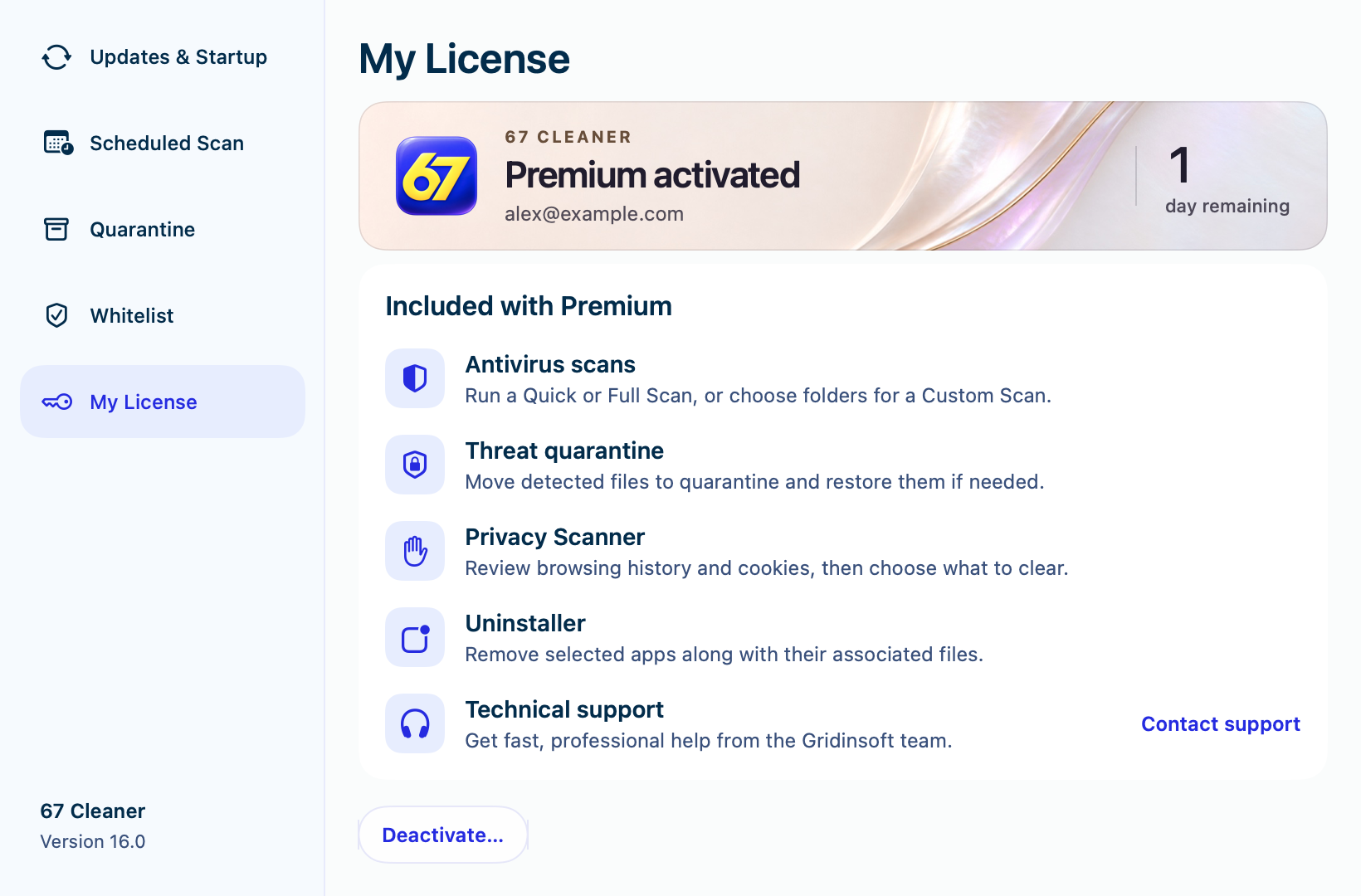
- 7-day trial. Use threat removal and quarantine for eligible Quick Scan detections, clear selected browser data and uninstall apps. The trial ends automatically and the free tools stay available.
- Paid Premium. Use those cleanup and remediation features and run Full and Custom malware scans.
Start the trial
- Open 67 Cleaner on the Mac where you want to use the trial and select Request Trial or Request a 7-day trial.
- Enter and confirm your email address on the page opened by the app. Check your inbox and spam folder for the trial key.
- Open My License in 67 Cleaner on the same Mac, paste the key and activate it.
See the official trial instructions for more details. The trial requires no credit card.
Activate paid Premium
Choose a plan on the 67 Cleaner purchase page. Open My License in the app and activate the key from your purchase email. If activation fails, check your connection and the address used for the order. Send support the order number and exact error message. Keep your full license key and payment card details private.