
Choose a tool
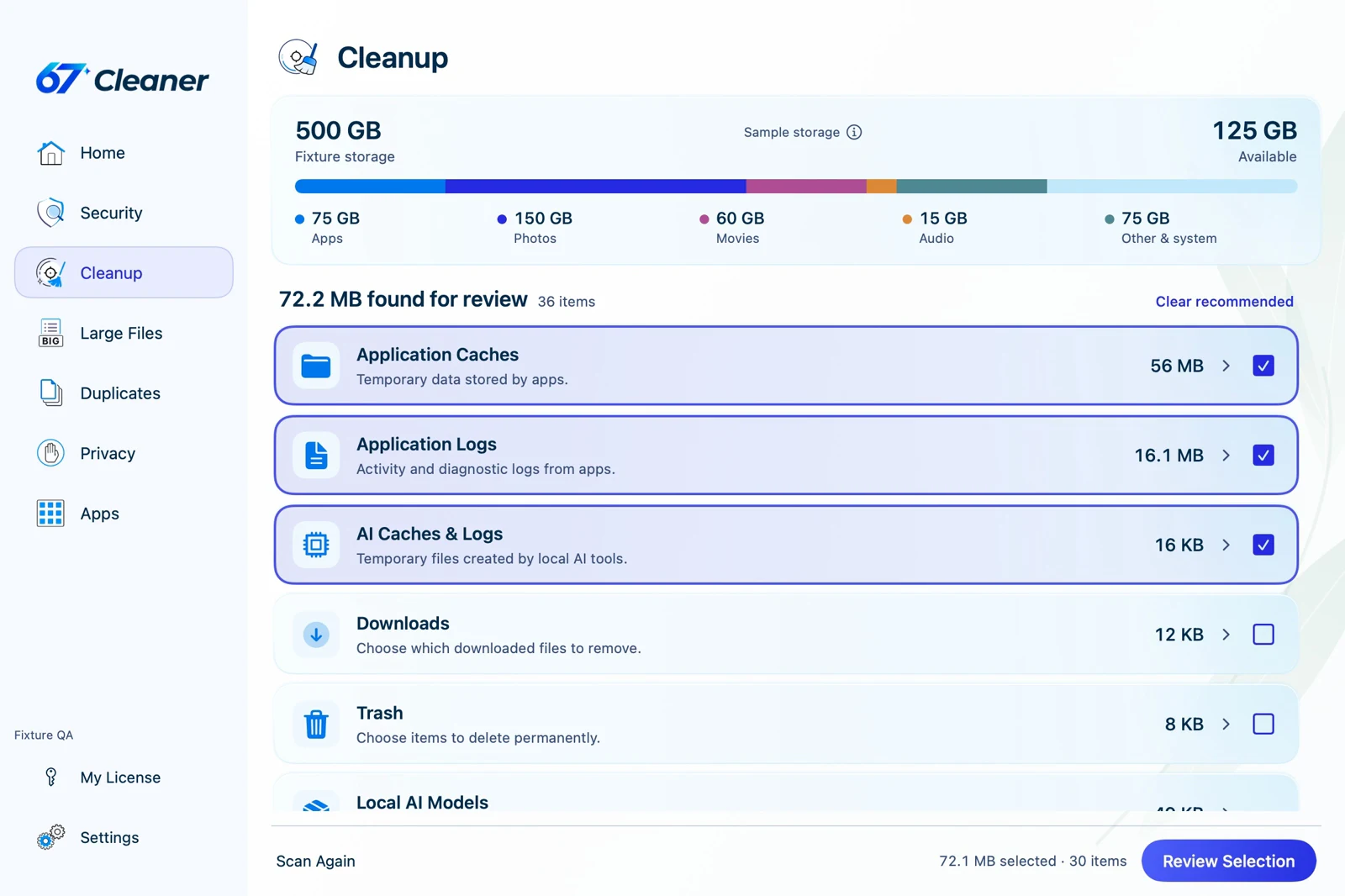
- Cleanup finds items such as caches and logs. Expand a category to see what it contains. Review any downloads, personal files or local AI models individually.
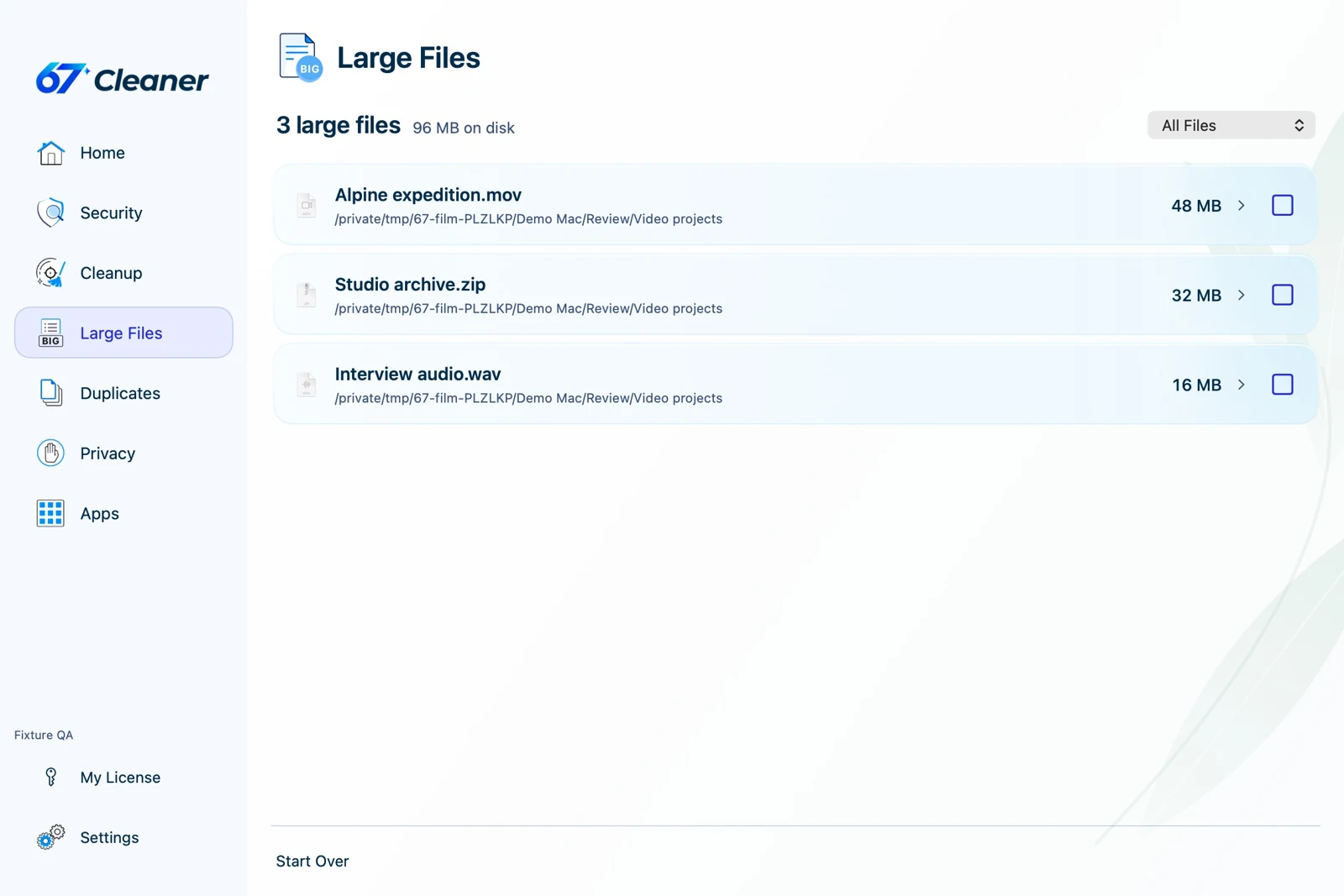
- Large Files lists large files in the selected locations. Check the path and whether you still need the file before selecting it.
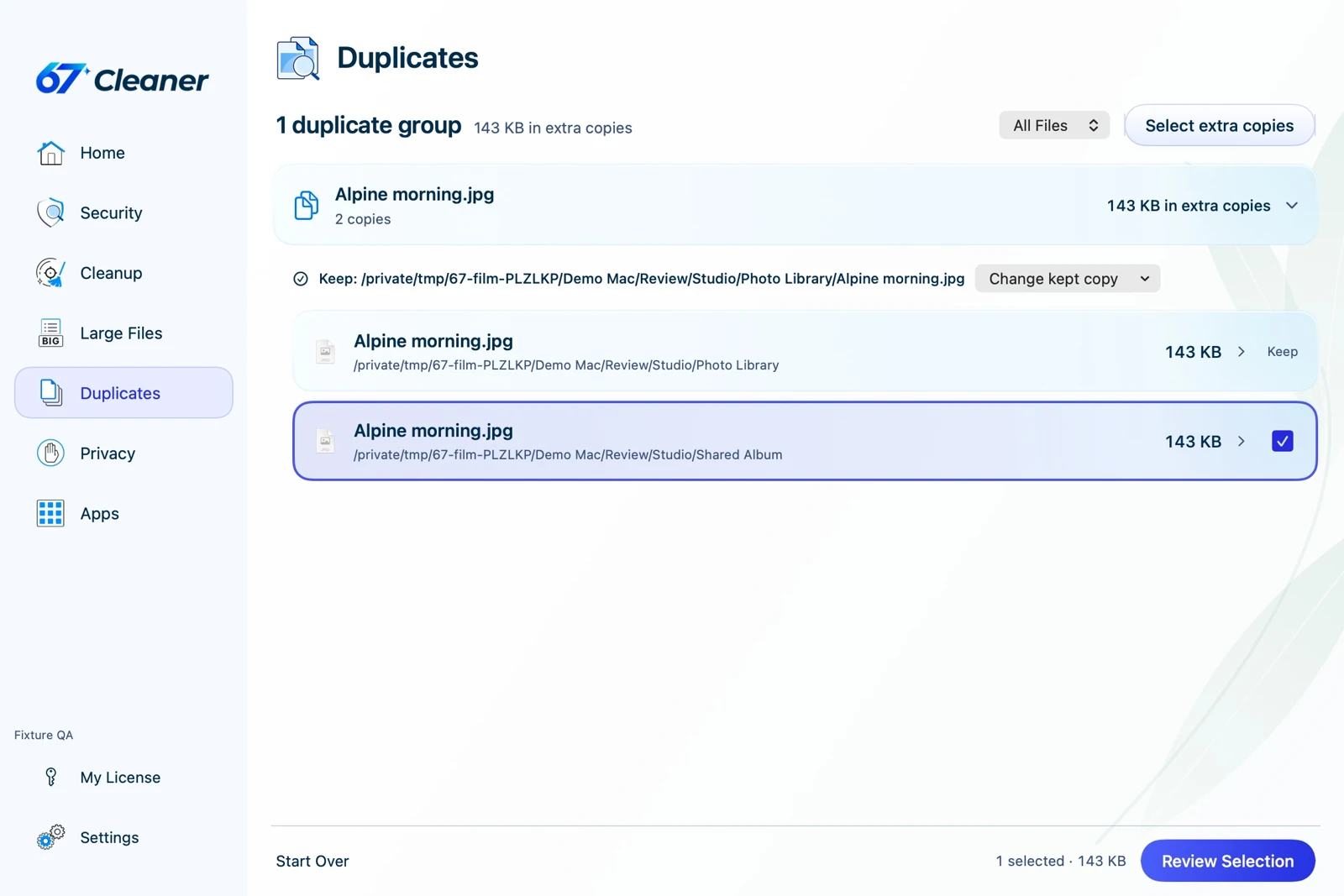
- Duplicates groups matching files. Compare their locations and choose which copies to keep. The app keeps at least one copy per group.
Review the cleanup plan
Scan first, then review the selected items and clear any selections you want to keep. Check the final plan before confirming. Ordinary cleanup is permanent, so copy important files somewhere safe before selecting them. If an app is using a file, save your work and quit the app normally before trying again.
After cleanup, check the reported result. The size of selected items and the increase in free space can differ because of shared disk blocks and recoverable copies.